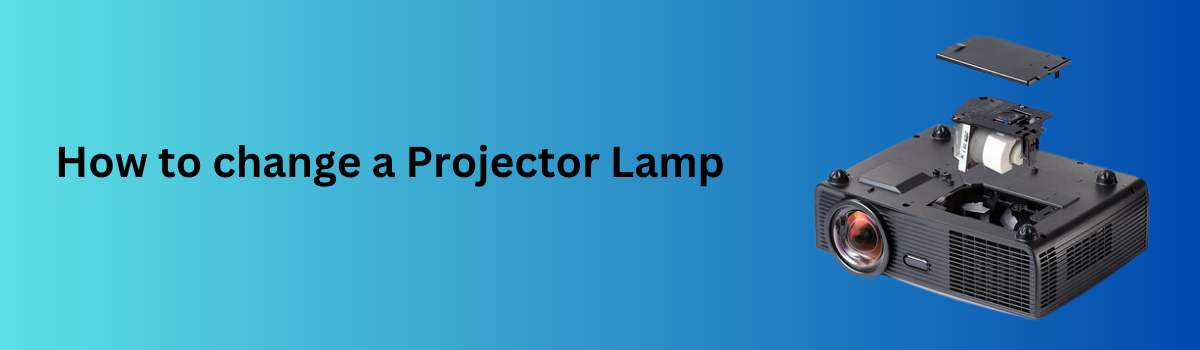
Once you have received your replacment projector lamp, you need to know how to replace it in your projector. Here is our easy how to guide.
How to change a Projector Lamp:
Unplug the power cord from your projector and let the lamp cool down.
Find the lamp access panel on your projector and remove the screws and access panel.
Remove the screws that hold the lamp housing in the projector.
Reach in and carefully, but firmly pull the lamp housing out of the projector.
Place the new lamp housing into the projector in the same orientation the old lamp housing was removed.
Wiggle the lamp into place and make sure the lamp makes full contact inside the projector.
Replace the lamp mounting screws to secure the lamp in the projector.
Replace the lamp access panel and tighten the screws.
Plug in your projector and power it on.
Reset your lamp hours counter. Some lamps will reset the lamp counter automactically when a new lamp is placed in. If your projector needs the lmap counter manually reset, look through the projector menu for an option to reset the 'Lamp counter' back to 0 hours.